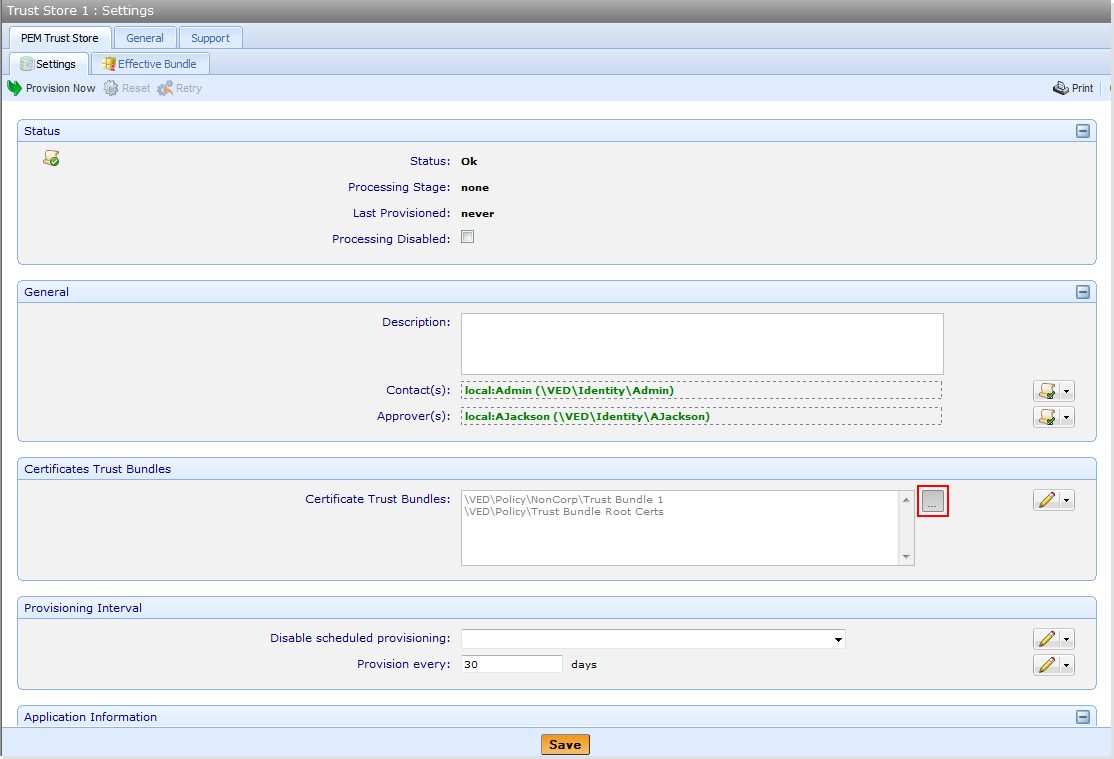
Adding a trust bundle to a trust store
You can bundle certificates together and whitelist or blacklist them, and then add the bundle to a trust store. For more details, see Creating and managing trust stores.
 Add a trust bundle to a trust store on a policy
-
Click the policy you want then click the Certificate Trust Store tab. The types of Trust Stores that are available are displayed in the next row of tabs.
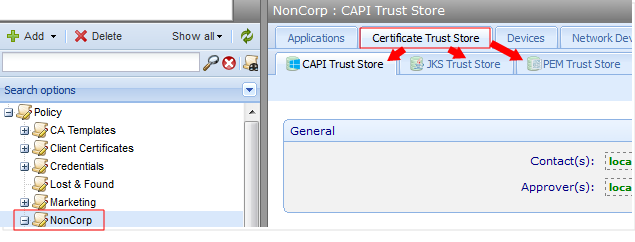
- Click the type of Trust Store to which you want to add the bundle.
-
Click Browse
 in the Certificate Trust Bundle group box.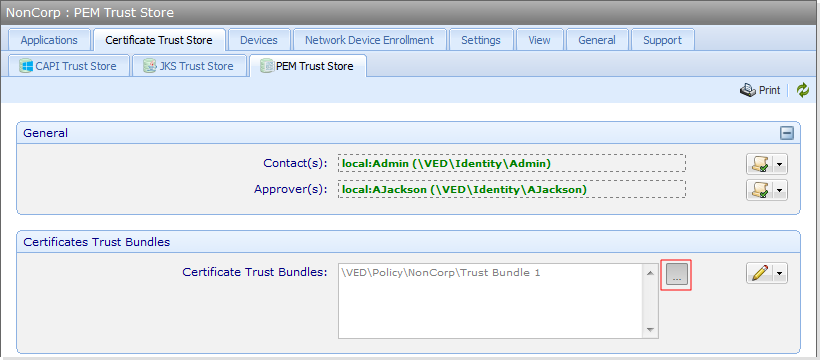
-
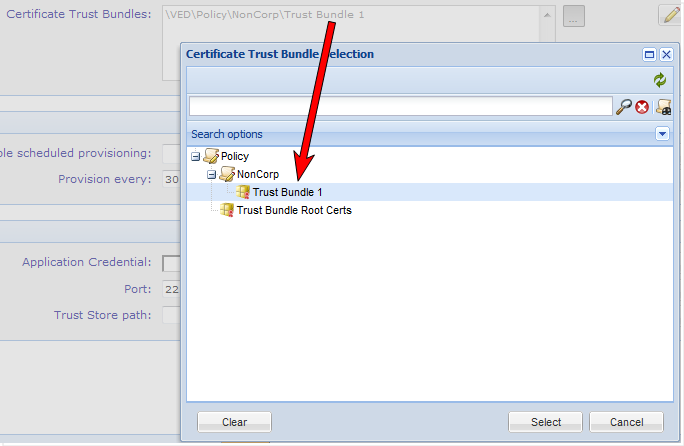
In the Selection window, bundles that are already in the trust store will be highlighted when the window is opened.
-
Press Shift + CTRL to highlight other trust bundles you want to add.
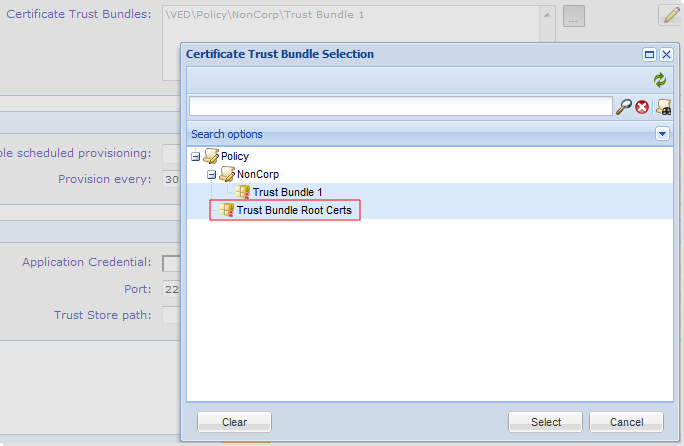
- When all trust bundles are added, click Select.
-
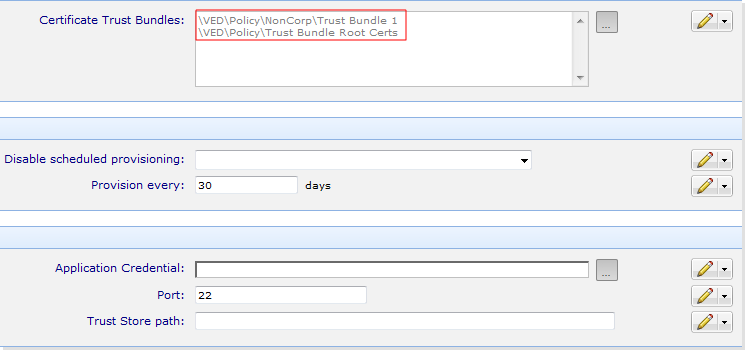
The list of all trust bundles in the Trust Store is displayed.
Add a trust bundle to a trust store already on a device
-
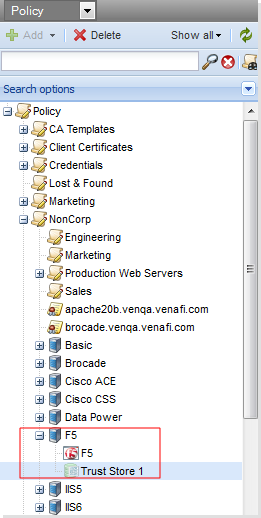
Click the device, and then click Trust Store.
-
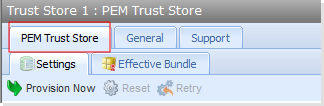
Click the Trust Store tab.
-
Click Browse
in the Certificate Trust Bundle group box.
-
In the Selection window, bundles that are already in the trust store will be highlighted when the window is opened.
-
Press Shift + CTRL to highlight other trust bundles you want to add.
- When all trust bundles are added, click Select.
-
The list of all trust bundles in the trust store is displayed.