Set global code signing properties
There are a number of properties that Code Signing Administrators can set at the global code signing level. Some of these properties serve as defaults that can be overridden in Environment Templates, whereas others become restrictions that cannot be overridden. To access these settings, select the Code Sign node in the Trust Protection Foundation Configuration Console, and in the Actions Panel, click Properties.
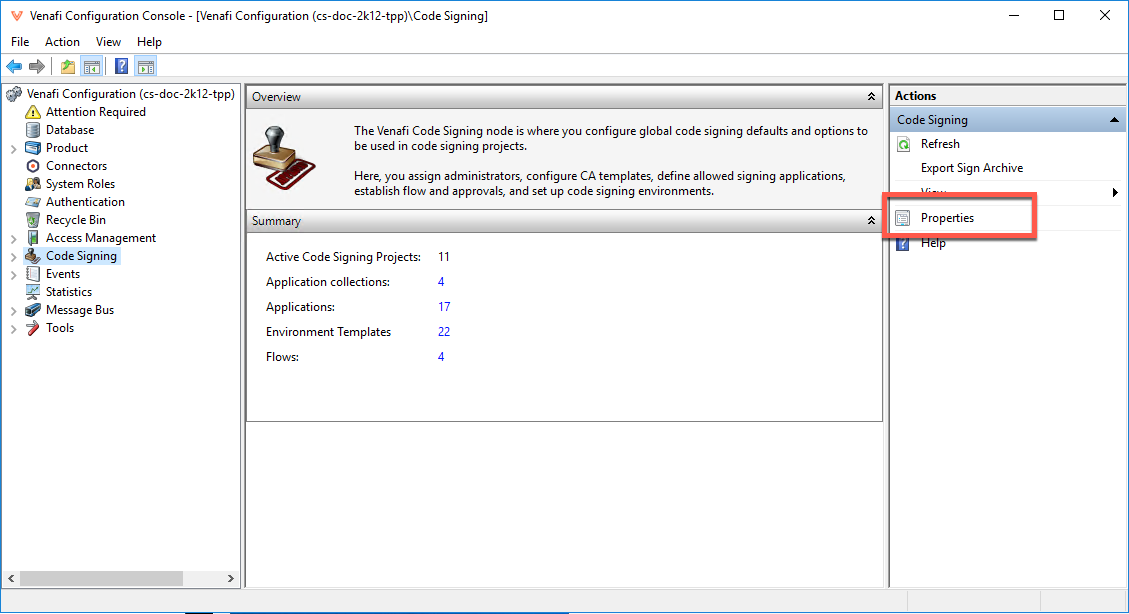
The Code Signing Properties window opens. The window is divided into the following tabs: