Confirming service status
The VEDSDK and VEDAuth applications manage Web SDK and Token Auth requests respectively. The installation wizard automatically creates and configures a new IIS virtual directory for each. In IIS, the virtual directories appear under the Palo Alto Networks web site.
To confirm Web SDK setup and status
- Remote into the Palo Alto Networks server, and from the Windows start menu, open the Trust Protection Foundation Configuration Console.
- In the left pane, click Product.
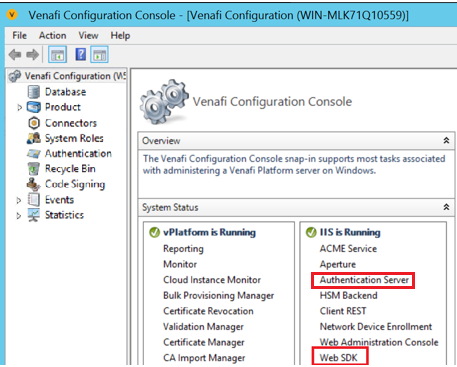
- In the System Status section, review the Web SDK status.
- (Optional) Use the Actions pane, to control the Web SDK application.
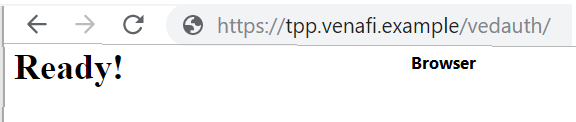
- To confirm the VEDAuth authentication server is running, type the server
address/Vedauth. For example: